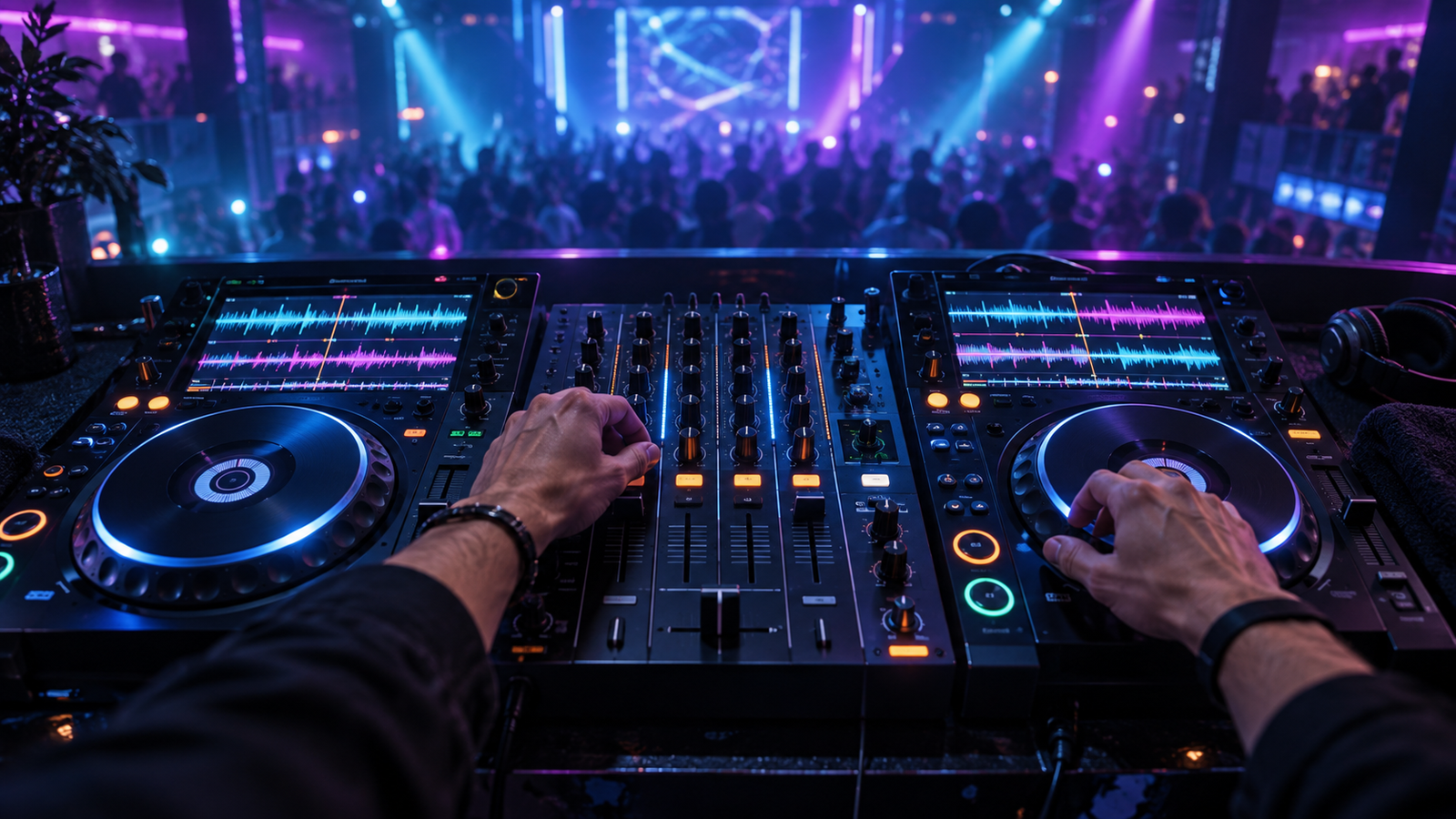
Your first DJ setup should make practice easy, teach transferable habits and leave enough budget for music, headphones and speakers. It does not need to reproduce a festival booth. A compact two-channel controller such as the Pioneer DJ/AlphaTheta DDJ-FLX4 can teach beatmatching, phrasing, gain, EQ, filters, cueing, loops and library preparation—the same core decisions made on far more expensive players.
The sensible path is controller, regular practice, occasional experience on standalone or club equipment, and only then a major hardware investment. Buy for the stage you are at, not for the photograph of the studio you hope to have.
What is a DJ controller?
A controller supplies physical jog wheels, faders, knobs, pads and audio connections while software on a laptop or mobile device handles the music library and deck processing. Most beginner controllers include an audio interface, so the master output feeds speakers while the headphone output previews the next track.
A controller is not inferior as a learning tool merely because it needs a computer. It can offer waveforms, cue points, looping, effects and performance features at a fraction of the cost of separate media players and a mixer.
Photo to add: DDJ-FLX4 with laptop, headphones and two powered speakers. Label USB connection, master output, headphone cue and the two software decks.
Why the DDJ-FLX4 is a strong first choice
The DDJ-FLX4 follows the familiar two-deck and central-mixer layout used across the Pioneer DJ and AlphaTheta ecosystem. It supports rekordbox and Serato DJ Lite workflows, is compact enough for a home desk and provides the controls required to learn proper manual mixing. Its popularity also means abundant tutorials, mappings and second-hand demand.
- Two channels are enough to master track selection and clean transitions.
- Long pitch faders are not expected at this size, but tempo adjustment remains learnable.
- Performance pads introduce hot cues, loops and other software functions.
- The familiar layout makes later movement to larger AlphaTheta systems less intimidating.
- USB power and portability keep setup friction low.
Its compromises include small jog wheels, compact pitch controls, consumer-level outputs and reliance on software. Those limitations matter less at home than the quality and consistency of practice.
What else belongs in the first setup?
- A dependable laptop that meets the DJ software requirements.
- Closed-back DJ headphones with rotating or flexible cups.
- Powered speakers or monitors appropriate to the room.
- Correct USB and audio cables, plus sensible cable spares.
- A legal lossless music library stored in at least two locations.
- A table or stand at a comfortable performance height.
Do not spend the complete budget on the controller and then stream every practice session through an unreliable internet connection. Music ownership, backup and monitoring are part of the setup.
The upgrade ladder
- Entry controller: DDJ-FLX4 or comparable two-channel model for core skills.
- Advanced controller: improved outputs, larger jogs, longer pitch controls or four channels if the workflow genuinely needs them.
- Standalone all-in-one: removes the laptop from performance and introduces USB-export workflow.
- Used club generation: a CDJ-2000NXS2-style system can teach established booth conventions, but condition and price must be examined carefully.
- Current flagship system: separate CDJ-3000, newer CDJ-3000X or equivalent players with a DJM mixer. This is professional equipment, not a beginner requirement.
CDJ names explained
There is no product officially called the “CDJ-3000 Nexus.” The earlier flagship was the CDJ-2000NXS2, where NXS means Nexus. It was followed by the CDJ-3000, and AlphaTheta later introduced the CDJ-3000X. Listings that combine these names may simply be mistaken, so check the model plate and exact specification before buying used equipment.
Two flagship players plus a suitable mixer can cost many thousands of pounds. They are built for professional reliability, connectivity and repeated performance. They will not teach phrasing automatically, improve weak track selection or make an unprepared library safe.
Photo to add: Three labelled images: CDJ-2000NXS2, CDJ-3000 and CDJ-3000X. Highlight the changing screens, hot-cue controls and media connections.
Why Pioneer DJ and AlphaTheta dominate club booths
Pioneer DJ established a widely recognised player-and-mixer workflow over many generations. AlphaTheta is the company behind today’s Pioneer DJ ecosystem and newer AlphaTheta-branded products. Venues, promoters, hire companies and touring riders benefit from compatible USB preparation, familiar control positions, link features and equipment that visiting DJs already understand.
“Club standard” does not mean every venue owns the newest unit or that competing equipment is incapable. It means this family is frequently encountered, so rekordbox USB preparation and familiarity with CDJ/DJM conventions improve readiness for unfamiliar booths.
Transferable skills matter more than brand
- Count and recognise 8, 16 and 32-bar phrases.
- Set gain without redlining.
- Use headphones to cue without watching stacked waveforms constantly.
- Beatmatch by ear and correct drift with small jog or pitch movements.
- Use EQ to manage overlapping bass, mids and treble.
- Prepare memory cues and hot cues without depending on them blindly.
- Recover from a wrong track, incorrect grid or failed load.
Buying used decks safely
- Confirm the exact model and serial information.
- Test every output, USB socket, network port, button, encoder and fader.
- Check jog response, screen, cue/play switches and pitch-fader centre.
- Inspect for liquid damage, smoke exposure and repairs.
- Load several correctly prepared USB drives.
- Compare the price with newer equipment and available warranty.
- Use secure payment and collect in person where practical.
A smarter first-year plan
Spend the first months on a FLX4-class controller, build a legal library and record regular mixes. Practise with laptop waveforms hidden occasionally. Visit a rehearsal studio with CDJs before an important booking. Export two tested USB drives from rekordbox and learn the booth’s mixer signal flow.
Upgrade when you can name the limitation holding you back: outputs for paid work, standalone operation, four-deck performance or greater physical control. The best first deck is the one you practise on every week. Continue with the DJ software comparison and build the library using legal lossless downloads.