
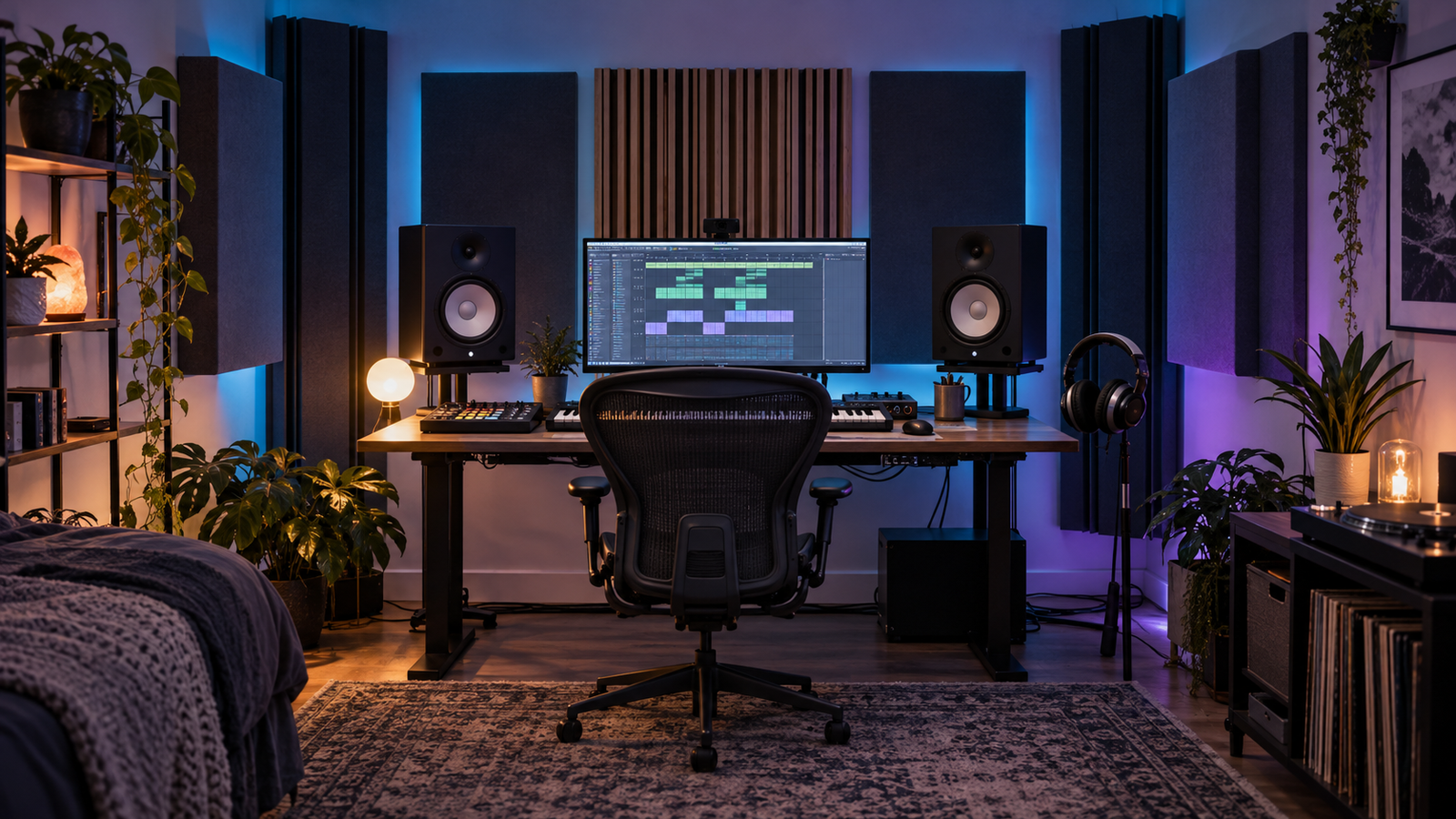
Studio monitors are speakers designed to help you judge recordings rather than flatter them. Most modern nearfield monitors are active or powered: amplification is built into each cabinet. You connect line-level outputs from an audio interface to the monitors, then plug each speaker into mains power.
Bigger is not automatically better, especially in a small room. Monitor size, bass extension, listening distance, placement and room acoustics operate as one system. A carefully placed compact pair can produce more useful decisions than large speakers exciting every room resonance.
What “active monitor” means
An active monitor contains amplification matched to its drivers. Many use separate amplifier channels for the woofer and tweeter, with a crossover dividing the frequency range before or within the amplification stage. The published amplifier wattage does not need to match an external amp because the manufacturer has designed the system as a whole.
Each speaker usually has a mains input, audio input and level or trim control. Some models add boundary EQ, room switches or digital correction. These controls can compensate for known placement effects, but they cannot remove long reverberation or deep cancellation caused by the room.
Photo to add: Rear panel of one monitor showing mains power, balanced input, level trim and room-EQ controls. Add arrows and plain-English labels.
Nearfield, midfield and listening distance
Nearfield monitors are intended to be heard from relatively close range, reducing the proportion of reflected room sound. Midfield systems work at greater distance and often produce more output. Manufacturer recommendations vary, so consult the manual rather than treating the label as an exact measurement.
For a desk studio, create an approximate equilateral triangle: the distance between the speakers is similar to the distance from each speaker to your listening position. Aim tweeters toward the ears and keep left/right placement symmetrical where possible.
Why room size matters
Low frequencies reflect between boundaries and form room modes. At certain positions a bass note is exaggerated; elsewhere it may nearly disappear. Small rooms place these problems in musically important bass regions. A larger woofer and deeper extension can excite more of the range the room handles poorly.
This does not mean small rooms must use tiny speakers or cannot reproduce sub. It means the choice must include placement, treatment and listening distance. Five- to seven-inch nearfields are common in home studios; larger systems may suit greater distances or treated rooms. Headphones remain an important sub check.
Front ports, rear ports and boundaries
A bass-reflex port extends low-frequency output by using cabinet resonance. Rear-ported monitors need sensible clearance, but every speaker interacts with the wall behind it. Moving a monitor closer to a boundary generally changes low-frequency level and cancellation. Follow the manual’s minimum distance and test measured positions rather than assuming front ports eliminate room interaction.
Diagram to add: Top-down room plan showing the listening triangle, equal side-wall distances, monitor clearance and first-reflection points.
How monitor volume is measured
Acoustic sound level is commonly described as sound pressure level, or SPL, in decibels. The decibel scale is logarithmic. A 3 dB increase represents roughly twice the acoustic power, while about 10 dB is commonly perceived as approximately twice as loud, although perception depends on frequency and context.
Manufacturers may quote maximum SPL for one speaker or a pair, measured at one metre or another distance, using peak or continuous conditions. These figures are not comparable unless the test method is similar. Wattage alone does not state loudness because driver sensitivity, cabinet design, amplifier limits and distance all matter.
Sound level falls as distance increases in free space, broadly following the inverse-square relationship. Rooms complicate this through reflections. A monitor capable of enormous maximum SPL is unnecessary if you work one metre away at moderate levels.
Frequency response and bass extension
A frequency range is meaningful only with a tolerance, such as ±3 dB, or a response graph. One model claiming 40 Hz may be much quieter at that point than another. For DnB, usable low-frequency extension is valuable, but flat, controlled behaviour through the crossover and mids is equally important.
A subwoofer does not automatically fix missing bass. It adds another crossover, level, phase and placement problem. Add one only after positioning and treating the main system and learning its limitations.
Placement before correction
- Place the desk and listening position symmetrically, avoiding the exact centre of the room where practical.
- Set speakers at equal height and distance.
- Decouple them from a resonant desk using suitable stands or pads.
- Test distance from the front wall in measured increments.
- Treat first reflections and bass buildup where possible.
- Only then use boundary switches or correction for remaining broad problems.
Monitoring level and hearing
Mix mainly at a moderate, repeatable level. Quiet checks reveal whether vocals, snares and hooks remain balanced; brief louder checks can expose harshness and physical low-end behaviour. Continuous loud monitoring changes perception, causes fatigue and risks permanent hearing damage.
Some studios calibrate their listening position with filtered noise and an SPL meter. The correct reference level depends on room size and working method; a large-cinema convention is not automatically suitable for a small bedroom. Consistency matters more than chasing one number.
A buying checklist
- Room dimensions and achievable placement.
- Listening distance and desk depth.
- Balanced inputs compatible with the interface.
- Useful frequency-response data, not only a headline range.
- Maximum SPL under a stated measurement method.
- Noise level at close distance.
- Room controls, warranty and local servicing.
- Budget remaining for stands, cables and basic treatment.
Common mistakes
- Buying the largest woofer the budget allows.
- Placing one speaker closer to a wall or corner.
- Putting monitors directly on a resonant desk.
- Comparing wattage as if it were SPL.
- Adding a subwoofer before understanding the room.
- Using room EQ to compensate for poor placement.
- Monitoring too loudly for too long.
The room, speakers and listener form one monitoring system. Select monitors for that whole system, not for their cone size or maximum volume. Start with the audio-interface guide for connections, and use studio headphones as an independent low-end and detail check.