A MIDI keyboard does not create sound by itself unless it also contains a built-in synthesiser. Its main job is to send performance information—notes, velocity, pitch movement, modulation and control changes—to instruments inside your DAW. For drum & bass, the right controller can make basslines, chords, pads, automation and drum programming feel faster and more musical.
The best model is not necessarily the largest or most expensive. It is the keyboard that fits your desk, invites you to use it and provides the controls your workflow genuinely needs.
MIDI is data, not audio
When you play a note, the controller sends information such as note number, note-on time, velocity and note-off time. A software instrument—perhaps Serum 2, Ableton Wavetable or a sampler—turns that data into sound. You can edit the resulting notes later without re-recording audio.
Most compact controllers connect directly by USB. Traditional five-pin MIDI sockets are useful when controlling hardware such as a synthesiser without routing everything through the computer. USB-C on the connector does not guarantee more musical capability; check what the device actually supports.
Screenshot to add: Ableton MIDI track with Serum 2 loaded, showing MIDI input from the keyboard and the piano-roll notes created by a short performance.
How many keys do you need?
- 25 keys: very compact and suitable for bass phrases, one-handed melodies and travel. Octave buttons are used frequently.
- 32 or 37 keys: a useful middle ground for small studios, giving more melodic range without dominating the desk.
- 49 keys: enough space for two-handed chords, bass and melody work while remaining manageable in many home studios.
- 61 keys: better for players, cinematic parts and broad two-handed performances, but requires a deeper or separate stand.
- 88 keys: mainly for pianists who need a full weighted range. Usually unnecessary for a first DnB controller.
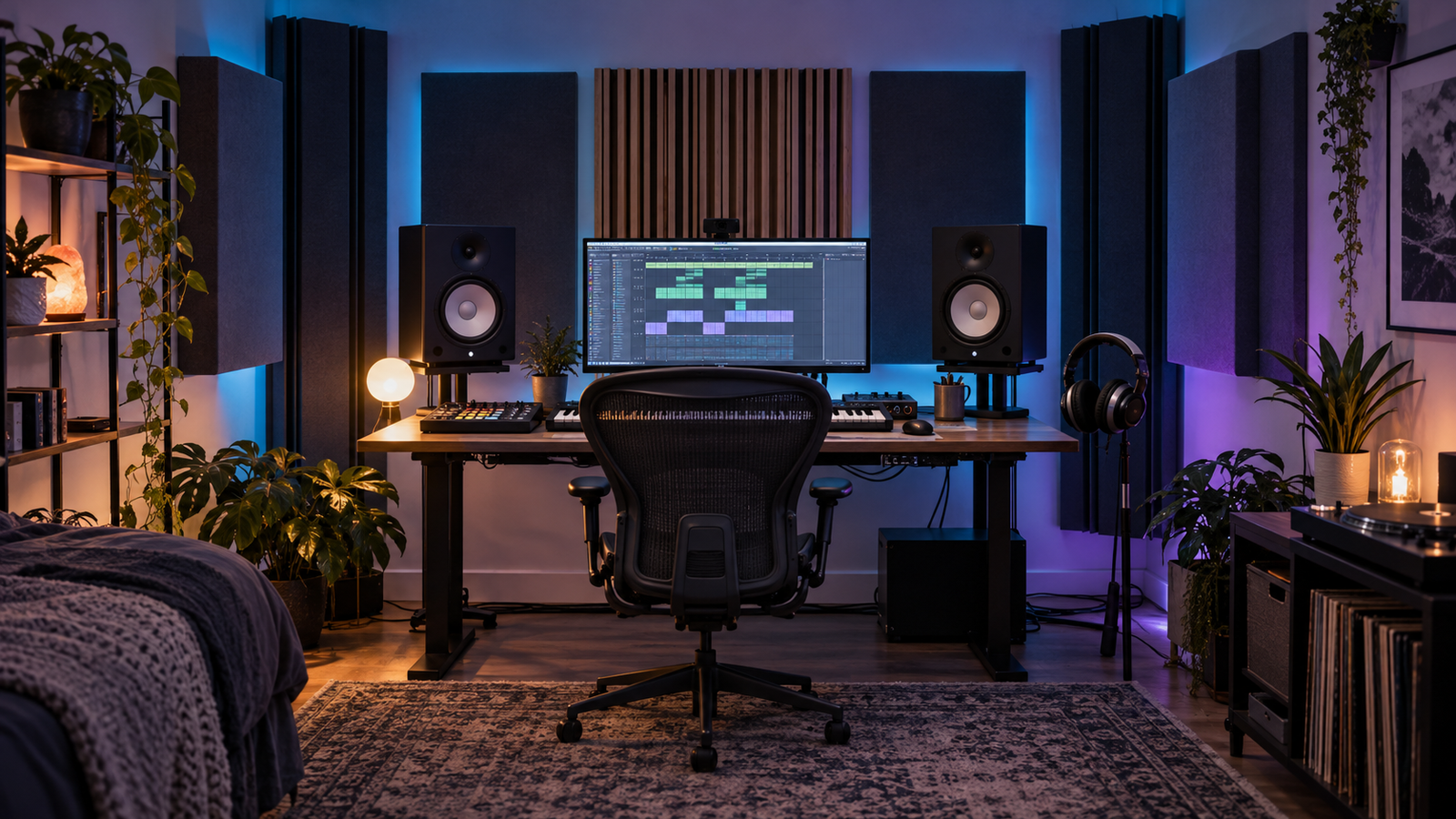
Measure the available width and depth before buying. Leave room for the mouse, computer keyboard and an unobstructed listening position. A 49-key controller that forces one monitor speaker into a corner is a poor studio upgrade.
Full-size, mini and weighted keys
Mini keys save space and can be excellent for entering bass notes, but accurate velocity and two-handed playing may feel easier on full-size keys. Synth-action keys are light and fast. Semi-weighted keys add resistance. Hammer-action keys imitate a piano and are rarely needed for rapid synth parts or compact electronic production.
Key feel is personal. If possible, play several models. Check quiet notes, repeated notes and chords—not just a loud scale. A controller that feels inviting will teach timing and dynamics more effectively than one chosen only from a feature list.
Velocity, aftertouch and expression
Velocity records how quickly a key is pressed and can control volume, filter brightness, sample layers or modulation. It is particularly useful for ghost notes, pads and expressive leads. Aftertouch sends additional data when pressure is applied after the note begins. It can open a filter, increase vibrato or add distortion without using another hand.
Aftertouch is helpful but not essential for a beginner. Good velocity response and a usable curve matter more. Pitch-bend and modulation controls are valuable for bass movement, lead expression and recording automation.
Pads, knobs, faders and DAW control
Drum pads are convenient for tapping break patterns and triggering one-shots, although many producers prefer drawing detailed DnB drums in the piano roll. Endless encoders can control filter cutoff, wavetable position or effect amounts. Faders suit levels and longer automation moves. Transport buttons reduce mouse use.
Integration matters more than the number of controls. A controller with automatic Ableton mapping and clear feedback may be more useful than one with sixteen knobs that require constant manual assignment. Check whether the current DAW version supports the supplied control script.
Screenshot to add: Ableton MIDI Map Mode showing eight controller knobs assigned to Serum 2 macros or an Audio Effect Rack.
Useful controller sizes by producer type
- Bedroom producer with limited desk space: 25–37 keys, eight knobs and pads if they will be used.
- All-round electronic producer: 49 full-size keys with good DAW integration.
- Keyboard player or cinematic composer: 61 or 88 keys, sustain input and expressive control.
- Hardware studio: traditional MIDI output, assignable channels and external power options.
- Mobile setup: compact USB-powered unit with a durable connector.
Before buying
- Measure the exact space and cable route.
- Choose the smallest key count that supports how you play.
- Confirm computer, operating-system and DAW compatibility.
- Check sustain-pedal, MIDI output and power requirements.
- Decide which controls you will map in your first project.
- Budget for a stand or tray if the controller would compromise speaker placement.
Common mistakes
- Buying 61 keys because more appears better, then storing the keyboard away.
- Choosing dozens of controls without a mapping plan.
- Expecting the controller itself to improve sound quality.
- Ignoring key feel and velocity response.
- Confusing MIDI sockets with audio inputs.
- Blocking the listening position with an oversized controller.
Start with one practical assignment: map eight controls to a bass patch, record a two-bar performance, then edit only the mistakes. The controller should reduce friction between hearing an idea and capturing it. Next, learn what an audio interface does and how it connects the rest of the studio.